Master Kling Motion: Advanced Techniques for Video Creation in 2026
Understanding Kling Motion Technology
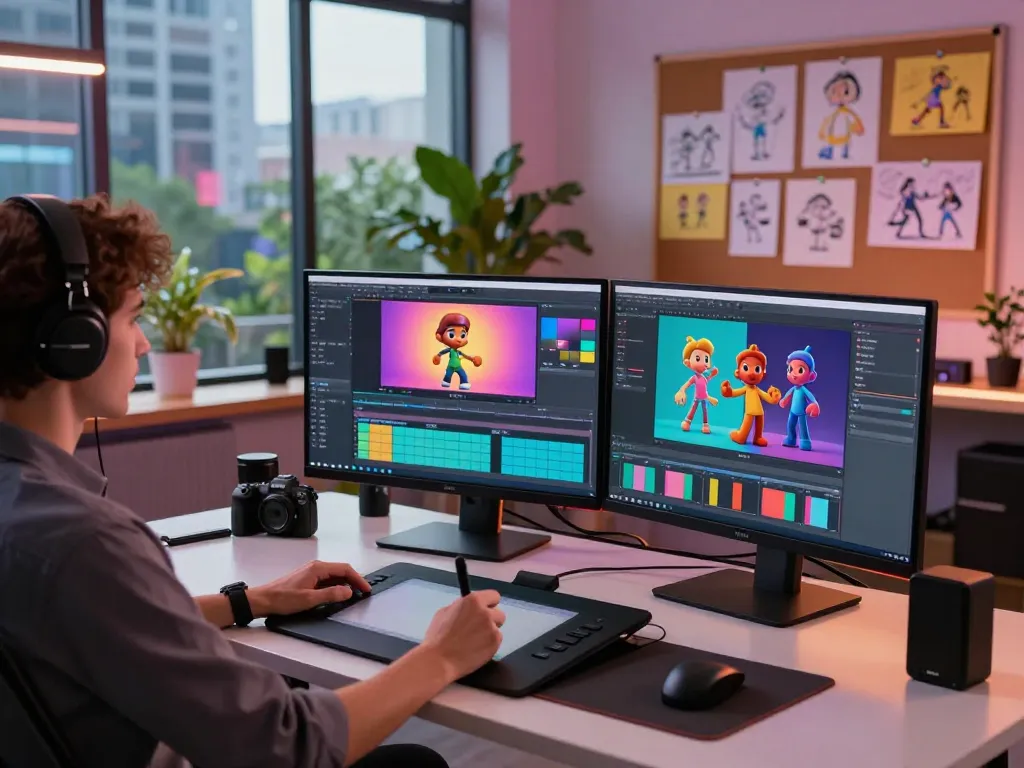
The advent of advanced AI technologies has led to revolutionary changes in video production methodologies, and among these innovations is the remarkable Kling motion system. This cutting-edge motion control AI facilitates a seamless transition from static images to dynamic videos, empowering creators with the tools needed for precision and creativity. In this article, we will explore the core features of Kling Motion, its unique advantages over competitors, and its practical applications in the rapidly evolving landscape of video production.
What is Kling Motion and Its Core Features?
Kling Motion is a state-of-the-art AI-driven platform that specializes in converting still images into richly animated videos. By leveraging advanced algorithms, this technology allows users to create high-quality motion sequences with an emphasis on accuracy and artistic expression. Key features of Kling Motion include:
- Image-to-Video Conversion: Kling Motion enables users to upload character images and generate lifelike motion sequences that align closely with reference videos.
- Accurate Motion Paths: The system allows for precise control over the motion paths of characters and camera angles, ensuring every movement aligns with creative intent.
- Facial Expression Synchronization: Users can integrate nuanced facial expressions into their animations, making characters feel more lifelike and relatable.
- High-Fidelity Output: Kling Motion produces photorealistic video results, thanks to advanced rendering techniques that mimic real-world lighting and textures.
- Rapid Video Generation: The platform is optimized for speed, allowing creators to generate high-quality videos in minutes rather than hours.
How Does Kling Motion Differentiate from Competitors?
While various AI video generation tools exist, Kling Motion stands out due to its combination of advanced motion control and user-friendly interface. Unlike simpler models that may struggle with maintaining character identity or realistic motion, Kling Motion excels in preserving the subtleties of human movement and expression. Key differentiating factors include:
- Identity Preservation: The platform ensures that characters maintain their unique visual traits across frames, eliminating issues with visual drift often associated with other models.
- Flexible Motion Control: Users can dictate the direction and timing of movements with high precision, offering an unprecedented level of creative control.
- Integration with Existing Assets: Kling Motion can work with various reference videos, allowing for greater flexibility in the video production process.
Applications of Kling Motion in Video Production
Kling Motion is ideal for a variety of applications within the video production industry. From social media content creation to professional film production, the potential uses are vast:
- Social Media Marketing: Brands can create engaging video content that captures audience attention and increases interaction.
- Film and Animation: Filmmakers and animators can utilize Kling Motion to enhance storytelling through dynamic character animations.
- Education and Training: Educational institutions can leverage these technologies to produce instructional videos that bring concepts to life.
Getting Started with Kling Motion
Step-by-Step Guide to Uploading Character Images
Getting started with Kling Motion is straightforward. Here’s a step-by-step guide to uploading character images for video generation:
- Select Your Image: Choose a clear, high-resolution character image. Ensure that the image is either a full-body or half-body shot with a visible background. Avoid using portraits or headshots.
- Image Specifications: Ensure your image file is no larger than 150MB and meets the duration requirements of at least 3.5 seconds to maintain quality.
- Upload the Image: Use the Kling Motion interface to upload your selected image, making sure it aligns with the intended video output.
Choosing Reference Videos for Optimal Results
Reference videos play a crucial role in the animation process. When selecting a reference video, consider the following:
- Alignment: Match full-body images with full-body motion clips and half-body images with half-body motion clips to ensure consistent alignment.
- Clear Motion Dynamics: Choose videos that display smooth, clear movements that can be accurately replicated in the generated video.
- Controlled Speed: Utilize reference videos with manageable speed and motion ranges to promote stable animations without drift.
Utilizing Text Prompts for Enhanced Video Output
To maximize the potential of your videos, text prompts can be effectively utilized. These prompts allow for greater control over the generated output:
- Descriptive Prompts: Describe specific actions or emotions you want the character to convey.
- Atmospheric Details: Incorporate environmental factors that enhance the video’s overall feel.
- Camera Behavior: Define how the camera should move in relation to the character’s actions.
Best Practices for Using Kling Motion
Maximizing Character Identity Preservation
Character identity is critical for maintaining audience engagement. To ensure your characters retain their unique traits:
- Consistent Framing: Align your reference image with the motion reference to keep characteristics intact.
- Image Quality: Use high-resolution images to facilitate better results and avoid distortion during animation.
- Monitor Changes: Preview results regularly during the generation process to ensure identity preservation.
Tips for Accurate Motion Path Control
Achieving precise motion path control will enhance the overall quality of your videos. Consider these tips:
- Direct Input: Clearly define motion paths during the setup phase.
- Use of Anchors: Establish specific points in your reference clip that map closely to your character’s movements.
- Iterative Testing: Generate multiple iterations to refine motion path accuracy before finalizing your video.
Ensuring High-Quality Visual Fidelity in Videos
To achieve high-quality videos, the importance of visual fidelity cannot be overstated:
- Lighting Consistency: Pay attention to lighting in both your reference image and motion clip—consistent lighting will greatly enhance realism.
- Natural Textures: Use realistic textures that align with the overall animated theme to create engaging visual experiences.
- Fine-tuning: Utilize the platform’s settings to adjust rendering quality for optimal output.
Advanced Techniques for Professional Video Generation
Creating Complex Motion Sequences with Precision
For professional-grade videos, creating complex motion sequences is essential. Implement the following techniques:
- Layering Movements: Combine multiple motion clips to create intricate sequences.
- Staggered Execution: Plan motions to occur in a staggered fashion to enhance dynamic interactions.
- Utilize Advanced Features: Explore the full capabilities of Kling Motion for intricate mapping and coordination.
Utilizing Pro-Level Full-Body Synchronization
Full-body synchronization is crucial for creating engaging characters. Here’s how to enhance this aspect:
- Frame-by-Frame Review: Carefully review each frame to ensure that character movements are smooth and realistic.
- Proportional Adjustments: Make necessary adjustments to proportions to maintain consistency throughout the video.
- Reference Alignment: Check that the reference image and video maintain the same spatial orientation for accurate motion transfer.
Crafting Cinematic Camera Movements Effectively
Camera movements can drastically alter the perception of your video. Utilize the following tips for cinematic effectiveness:
- Panning and Zooming: Combine these techniques with character motion to create a more immersive experience.
- Camera Framing: Pay attention to how the character is framed within the shot to maximize visual impact.
- Experiment with Angles: Try different camera angles to find the most engaging perspectives for your narrative.
Future Trends in Video Creation with Kling Motion
What to Expect from Kling Motion in the Coming Years
As technology continues to evolve, Kling Motion is expected to integrate new features that enhance user capabilities and broaden its applicability in video production. Anticipated trends include:
- Increased Integration with VR: As virtual reality grows, Kling Motion may adapt to create immersive VR experiences.
- AI-Powered Enhancements: Expect smarter AI features that can predict user needs and suggest optimizations in real-time.
- Broader Industry Applications: Expanding the use of Kling Motion technologies across new fields such as gaming and interactive media.
Impact of AI on Video Production and Creative Fields
The rise of AI in video production marks a significant shift in creative domains. Here’s how Kling Motion and similar technologies are influencing these fields:
- Democratization of Video Production: These tools make it easier for amateurs and professionals alike to create high-quality content.
- Time Efficiency: AI drastically reduces production times, allowing creators to focus on the conceptual aspects of their projects.
- Enhanced Creativity: With AI handling technical details, creators can explore more complex and creative ideas without the burden of extensive manual work.
Adapting to Emerging Technologies in Motion Control
Staying relevant in the fast-paced world of video production requires adaptability. To remain ahead, creators should:
- Monitor Innovations: Keep an eye on emerging technologies that could complement or enhance existing tools like Kling Motion.
- Engage with Community Feedback: Actively participate in discussions and forums to gather insights on best practices and user experiences.
- Experiment Regularly: Regularly experiment with new features and techniques to stay ahead of trends and refine personal styles.
Can I use Kling Motion for Commercial Projects?
Yes, Kling Motion can be utilized for commercial projects. Its robust capabilities allow for the production of high-quality videos suitable for marketing, advertisements, and other business-related content, ensuring a professional finish that meets industry standards.
How fast is video generation with Kling Motion?
Kling Motion is designed for rapid video generation, allowing users to produce high-quality videos in a fraction of the time compared to traditional methods. Users can expect to see results in minutes, significantly enhancing productivity.
Does Kling Motion support changes in facial expressions?
Indeed, Kling Motion supports nuanced changes in facial expressions, enabling characters to convey a broad range of emotions effectively. This feature adds depth to animations, making them more relatable and engaging to audiences.
What are the best image settings for Kling Motion?
For optimal results, the best image settings for Kling Motion include:
- High Resolution: Use images with a resolution of at least 1920 x 1080 pixels.
- Proper Framing: Ensure your character is framed correctly, allowing for accurate movement extraction.
- Clear Background: A visible background can aid in maintaining spatial context during animation.
How can I master complex actions with Kling Motion?
To master complex actions, utilize a combination of detailed reference videos and intricate text prompts. Focus on breaking down complex movements into simpler segments, allowing the AI to process and replicate them more effectively.